


Last week, I fell down a vibe coding rabbit hole.
It all started with a conversation between my wife and someone else at church about planning our pastor's Birthday party.
They wanted some sort of Jeopardy-style game setup based on some of our pastor's favorite movies.
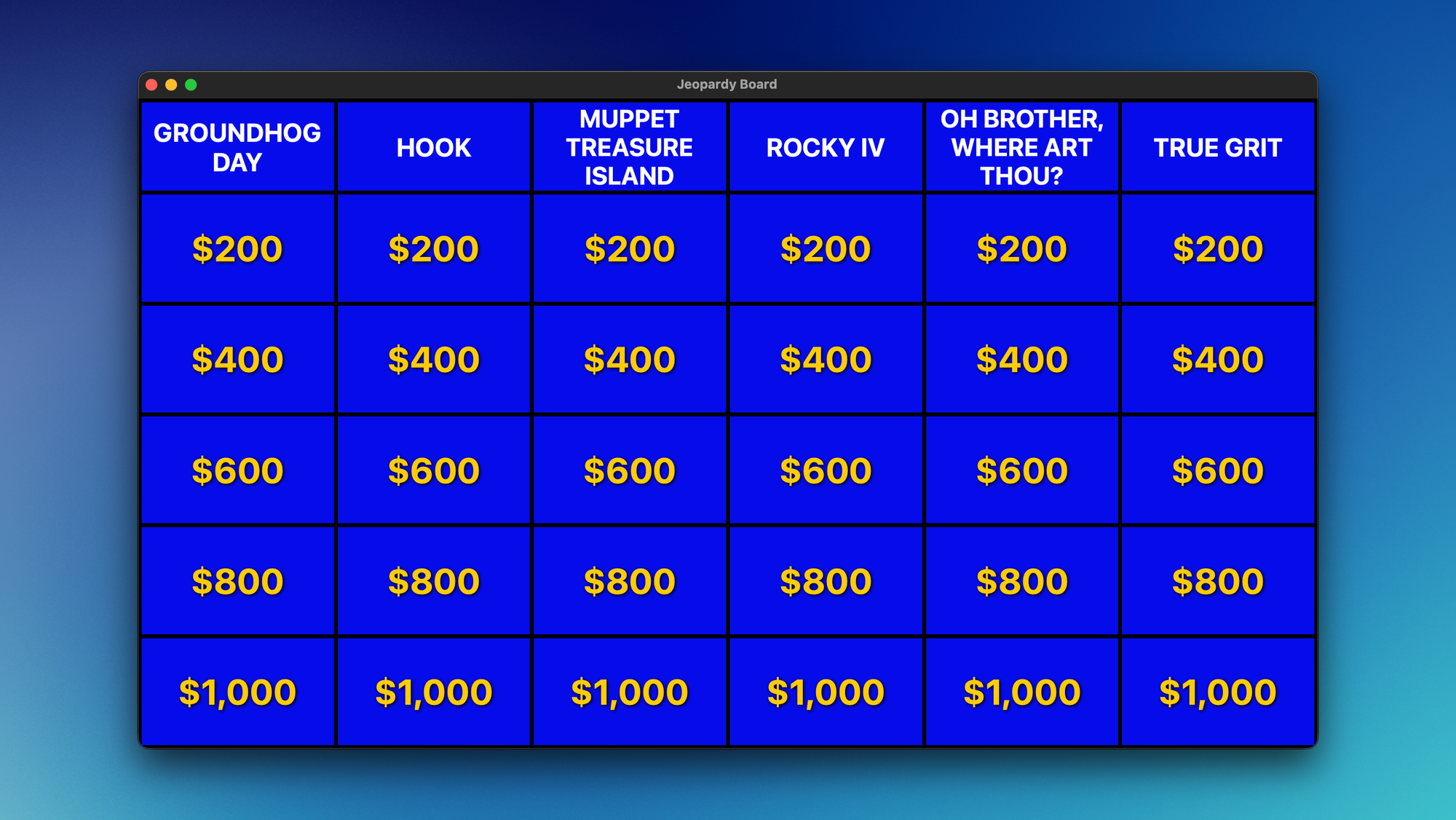
So in about 30 minutes, I vibe-coded a Jeopardy Board app that we could project on the wall.
But that was just the beginning. That week, I ended up vibe coding SIX different apps of varying complexity.
In this post, I want to share how I did it, what I learned, and what you should keep in mind if you want to use Claude Code for your own projects in the future.
What I Built
As I mentioned above, I started with a very simple Jeopardy Board app. I got a list of my pastor's favorite movies, and I went back and forth with Claude to land on the questions for each category. You simply click on a tile to reveal the answer, then people need to buzz in and provide the correct question (i.e., "Who is Bill Murray?").
The second app I built is one I'm calling FeedDeck. It's a feed aggregator app that pulls in people I follow on Bluesky and Mastodon, as well as YouTube channel subscriptions, Reddit subreddits, and individual RSS feeds into a single timeline. The goal is to give me a feed I can peruse quickly and send things that catch my eye to Instapaper so I can read them later on my Supernote Nomad.
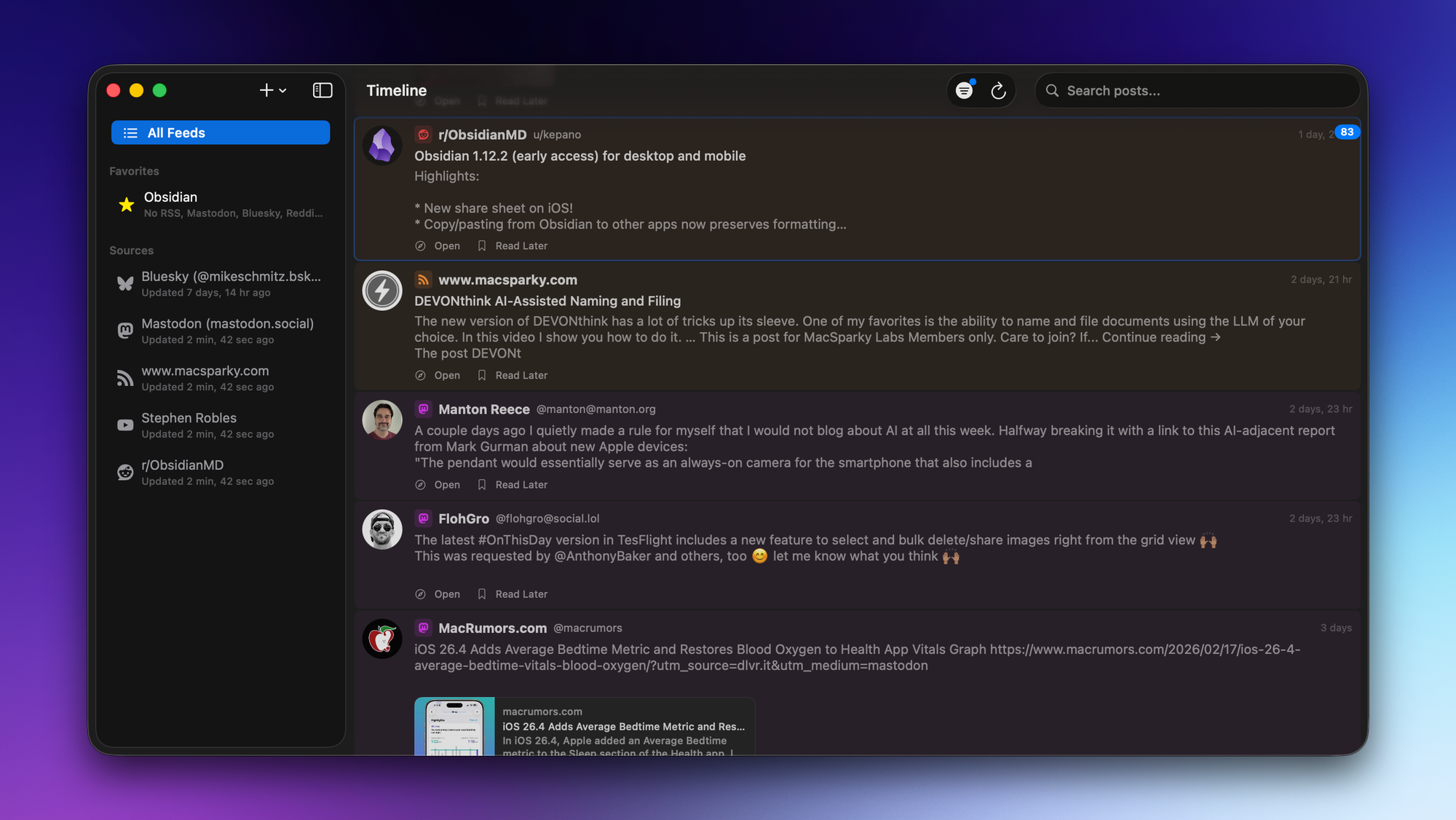
There's an unread badge in the upper-right which shows the number of new items, but the goal isn't to read everything. It's to browse the headlines and see if anything grabs my attention. Hitting Tab opens a preview, and hitting the s key sends the item to Instapaper. You can apply (and save) filters, which gives you the ability to create chronological timelines for things you want to keep up with.
(I built this for myself, but I am thinking of opening up a TestFlight to see if enough people are interested in this idea to make an actual distributable version. It will be made available to Library members first.)
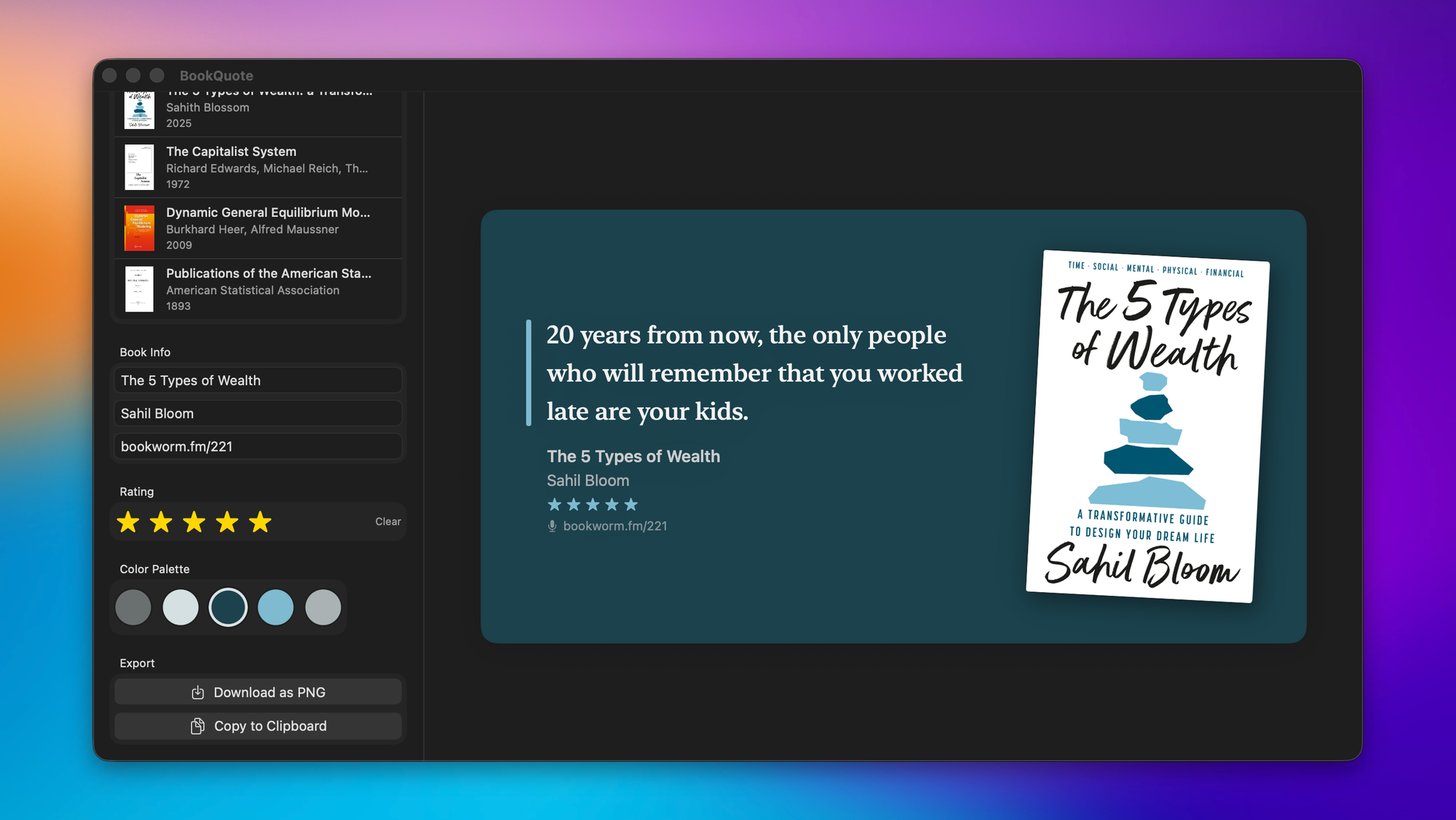
The other apps I built are all very specific to my workflows. I built a tool that allows me to share Readwise-style quotes from books that I read, but my version also lets me give the book a star rating and includes a field for a URL if we covered the book for Bookworm:
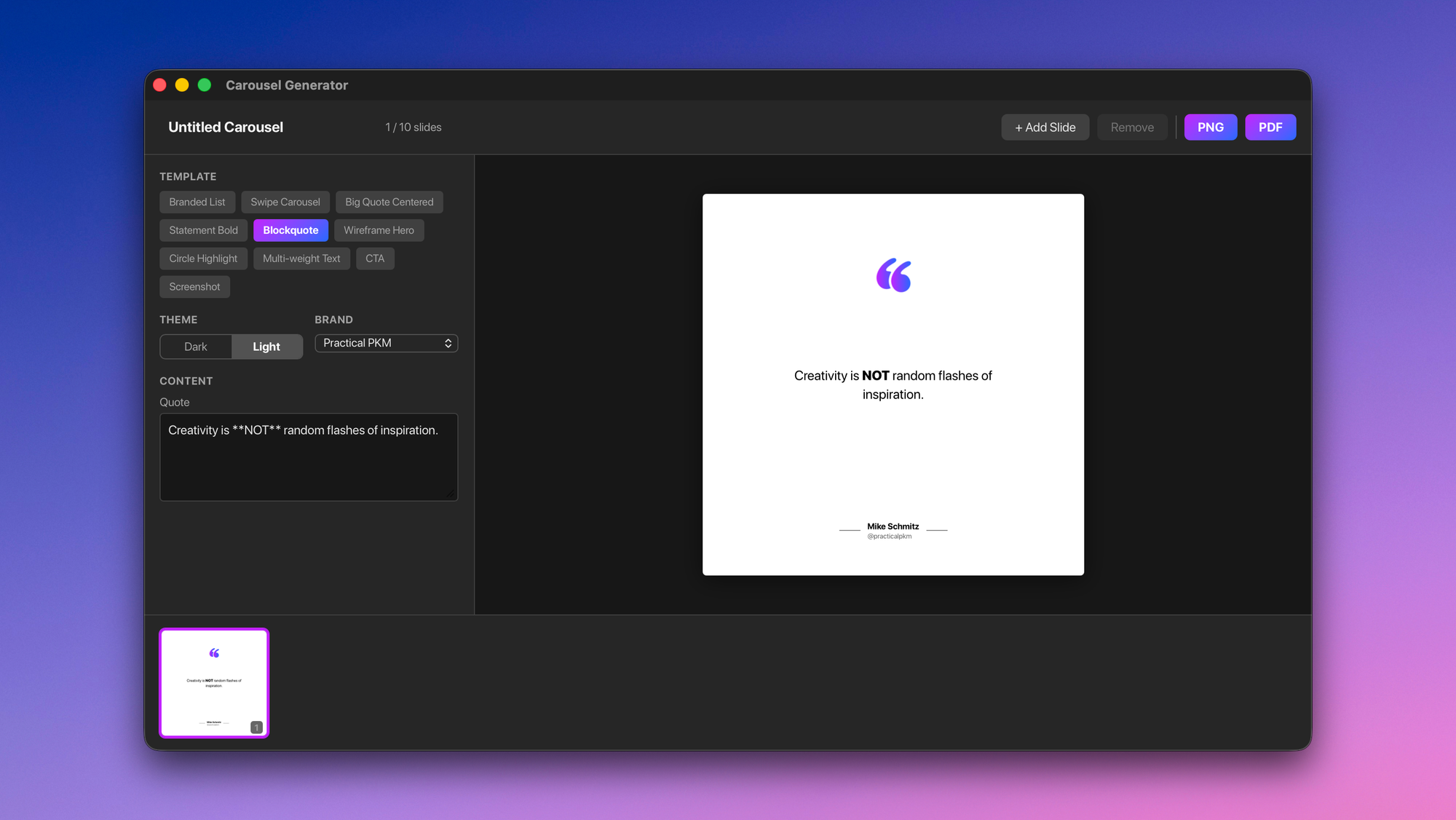
I also built a carousel generator so I can easily create great-looking carousels for LinkedIn and Instagram based on Keynote templates I had designed. I can customize not just the text but the logo files that are used, and I can upload screenshots and customize the CTA at the end:
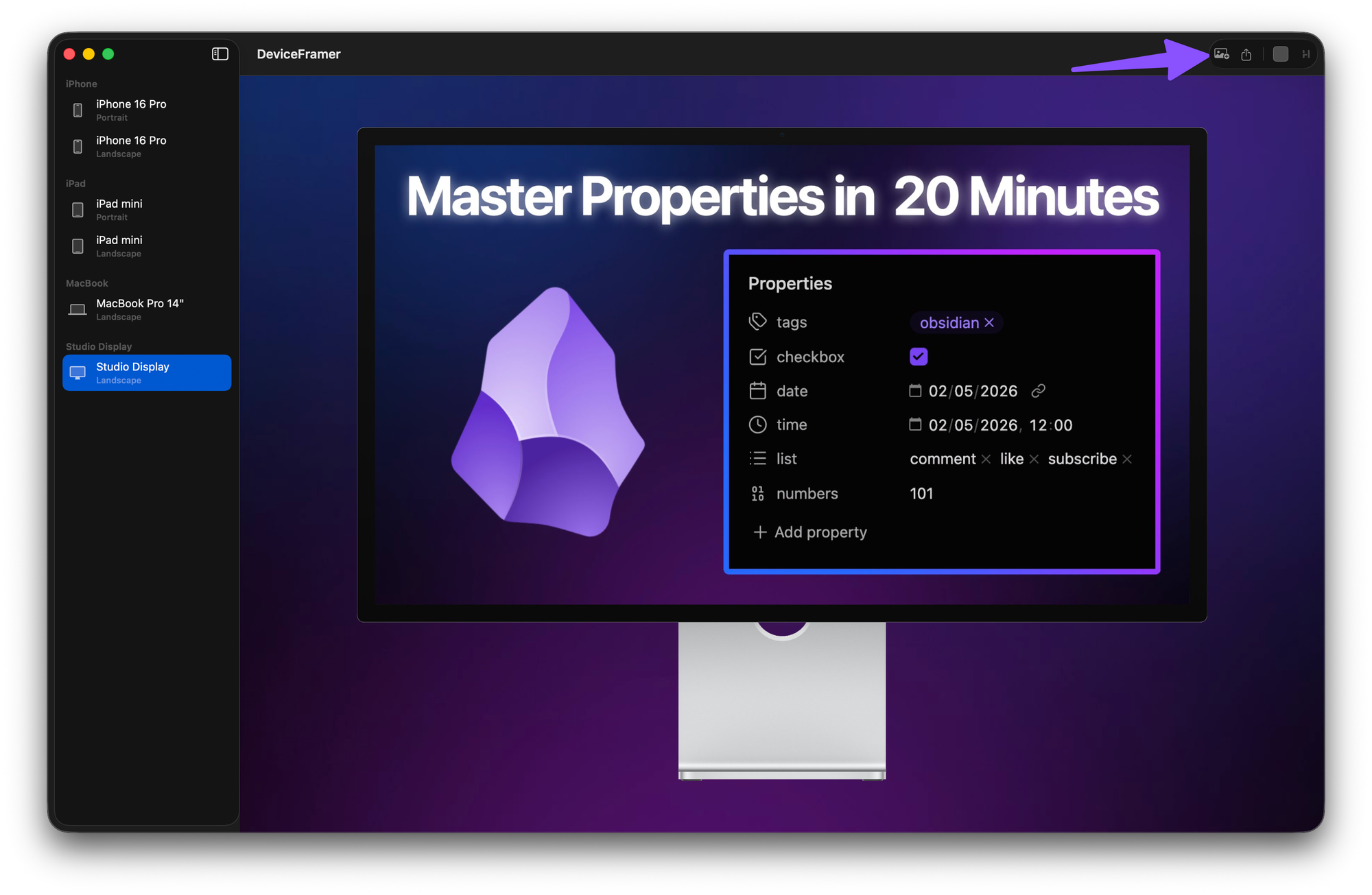
I also built a tool that allows me to take screenshots from my Apple devices and drop them inside of device frames on top of a gradient. There are apps that do this kind of thing already, but I don't need ALL the device options (I'm just using iPhone 16 Pro, iPad mini, and 14" MacBook Pro since those are my devices) and I never liked the gradient options. This gives me the screenshots I need for articles and newsletters like this quickly and easily:
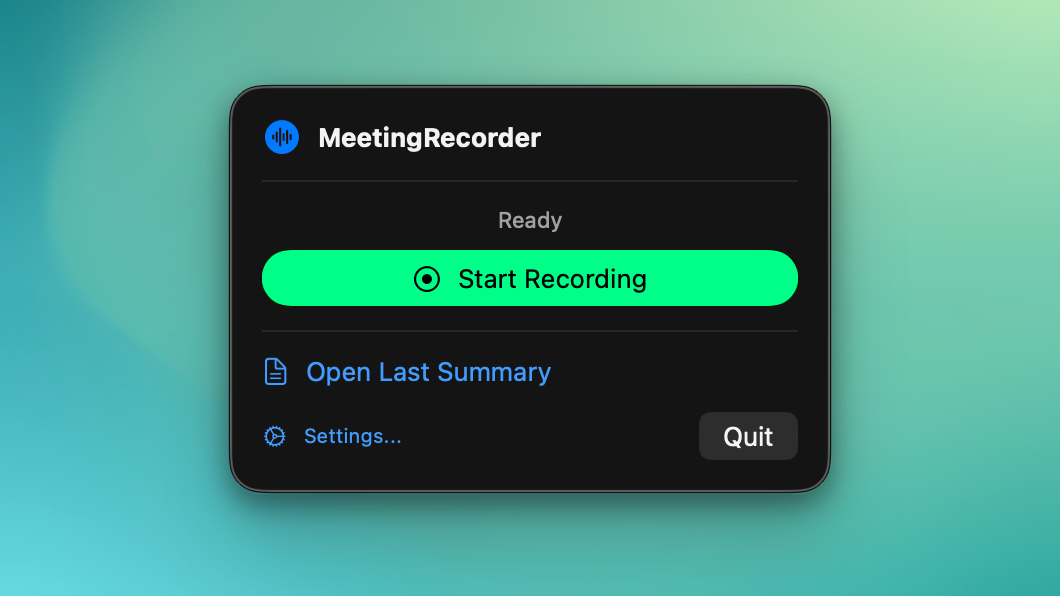
The last app I built was in response to my meeting note-taker (Granola) starting to charge $15/month. I didn't want to pay the subscription, so I coded up a Meeting Recorder menu bar app that ties into my current Claude Max subscription and converts the transcripts from my online meetings into Markdown-based meeting summaries:
I created all of these by having back-and-forth conversations with Claude Code. I would ask the AI to do something, it would put together a plan that I would sign off on, and then I would watch it build it in real time.
This let me see how the AI approached building the apps, and would often trigger new ideas. When it was done, I would ask a question like, "What other features do you think we should add?" and Claude would come back with a list of things. Most of them I passed on, but there were always one or two that I liked.
Overall, I was pleasantly surprised by how easy it was to get something not only usable but also useful.
What I Learned
I learned a lot from "coding" all these apps. Here are my three big takeaways.
The Future of Productivity Software is Personal
The best part about my vibe coding experiment is that I was able to fix several specific pain points in my current PKM workflows with custom apps.
Even though I don't know how to code.
Of course, this is much easier when you use apps like Obsidian (which sits on top of plain text Markdown files) or web apps with powerful APIs you can connect to. But the overall point is this:
Vibe coding your own apps opens up a world of workflow possibilities that just didn't exist before.
In the past, you had to find something that fit or you'd have to modify your workflow. Now, you don't have to compromise. You can build exactly what you want or need.
You Don't Need to Know How to Code
I used Claude Code for everything I built. And it was fascinating to see the responses it gave me when I asked it to do something.
The first step was usually to pull in all the online documentation to see what was possible before it started building. It would occasionally make mistakes or ship something that didn't work, but if I took a screenshot to use as context in my feedback and I was specific about what I didn't like, it usually nailed it in the next iteration.
I was nervous when I started because I didn't know any code. And the general vibe I hear online (like on Connected Episode 590) is that "it's irresponsible for people to try and make a business developing software this way."
I think that's the wrong framing. The question isn't whether you should build software without knowing how to code — it's whether you can take responsibility for what you ship. And the answer to that is increasingly yes. Claude Code doesn't just write code for you. It explains what it wrote, catches its own mistakes, and fixes things when you point out what's wrong. You don't need to understand every line of code. You need to understand what the app is supposed to do and be able to tell when it isn't doing it.
That's not irresponsible. That's a different skill set.
You Do Need to Know How to Communicate Effectively
If you expect to be able to say something like "I want you to build me an app for X," that's not going to work.
But if you can get specific about what it is exactly that you're trying to do, you don't need to know how to make it happen.
When I was working with the family business, I led a software transition of our assessment and skill-building system. I had a call every week with developers around the world, and I was responsible for managing the project. I didn't know how to write the code, but I learned how to bridge the gap between the technical team building the app and the non-technical users who would be logging into it.
These same type of communication skills are invaluable when trying to develop something with Claude Code.
The Bottom Line: The Future Belongs to Generalists
On a recent episode of Mac Power Users, David Sparks talks to Stephen Robles about his career path and the multiple interests he developed along the way. Stephen mentions he used to think that was a bad thing until he read Range by David Epstein, and on the show, David makes this comment, which I think is really profound:
As AI develops, I feel we're going to have this expertise on tap. And a general knowledge might serve you better than the specialized knowledge.
I think he's right. And if you've been building an intentional PKM practice, you're already ahead of the curve. The skills that made this whole AI vibe-coding experiment work — clear thinking, knowing what I wanted, and being able to articulate it — aren't coding skills. They're PKM skills.
You don't need to learn to code. You need to keep sharpening the skills you already have.


