


I finally picked up a Supernote Nomad.
I say "finally" because I’ve had my eye on this e-ink note-taking device ever since Blake let me use his when I met up with him at a coffee shop in Boise last summer. I’ve owned several e-ink devices over the years, and I’ve been periodically checking the Trials & Discounts section of the website to see if new stock came in. Early this year, there happened to be discounted units available, so I pulled the trigger.
I got a white Supernote Nomad, a dark blue vegan leather folio, and a Sunset Heart of Metal 2 Pen.
I’ve had the device for about a week now, and in this newsletter, I want to share my first impressions and what I love about this device.
No Frills, and That’s a Good Thing
From a technology perspective, the Supernote Nomad doesn’t seem too impressive. There aren’t even any tech specs on the sales page. There’s no backlight, no buttery-smooth scrolling, and zero upgrades available.
But none of that really matters if what you’re after is a good digital note-taking experience.
What makes Supernote special is that it knows exactly what it wants to be. If you want a tablet, this isn’t for you. But if you want a great note-taking experience, you’ll instantly see what makes the Supernote special when you sit down to use it.
In the immortal words of Han Solo: She may not look like much, but she’s got it where it counts.
This is the Best Stylus I’ve Ever Used
The Heart of Metal 2 stylus has significant heft to it, making it the most comfortable stylus I’ve ever used. It’s much better than the pencil that comes with the reMarkable, and I like it a lot more than the Lamy AL-Star EMR pen I was using with my Boox devices.
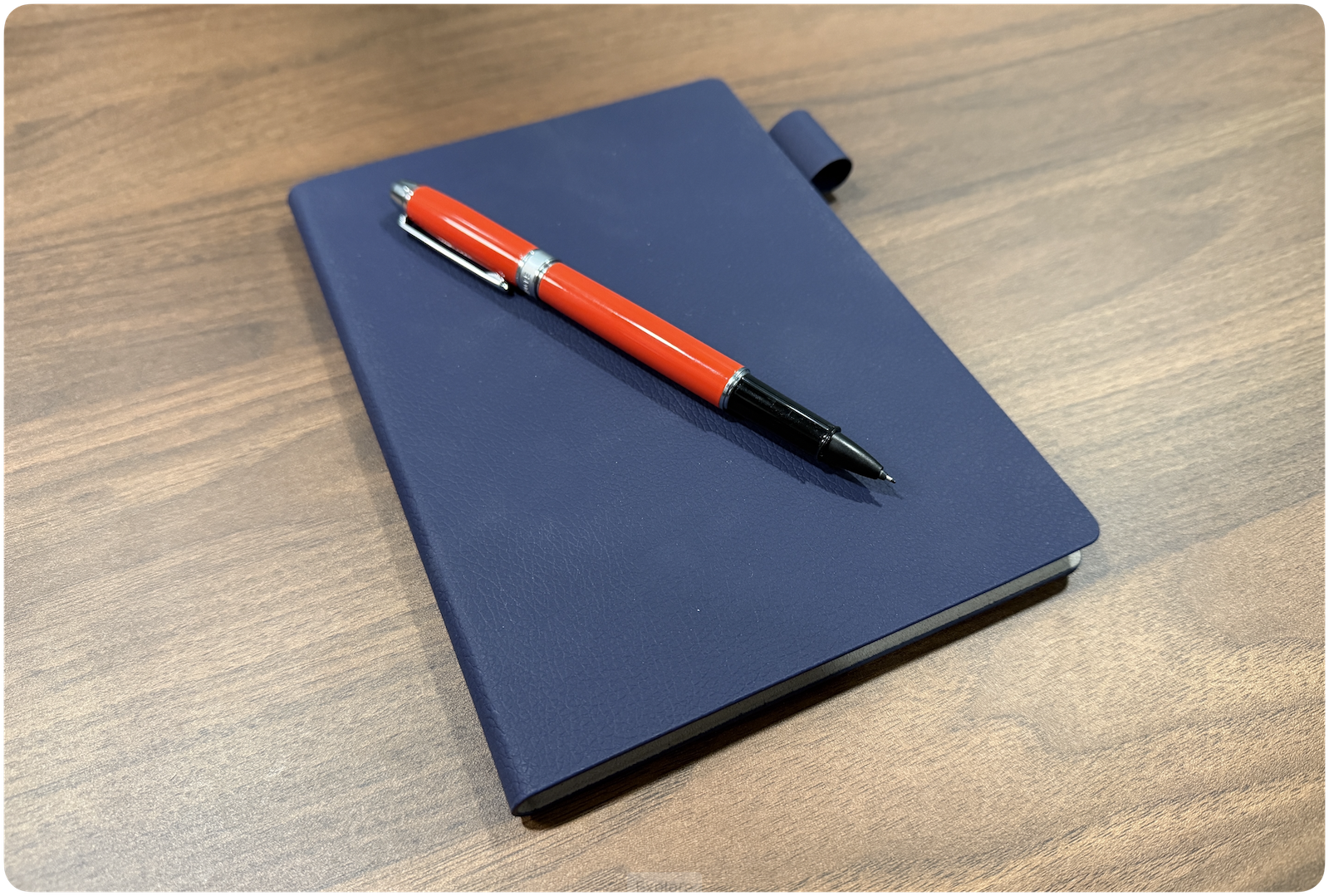
I also love that the tip is ceramic, so it doesn’t wear out and won’t need to be replaced. The texture of the screen protector on the Nomad is a good match, and while it doesn’t compare to my fancy fountain pens, it’s the best digital writing experience I’ve had.
The A5 Size is Perfect for Me
I actually always liked using the reMarkable quite a bit, but it was always a little big for me to carry around. The Supernote Nomad inside the vegan leather folio is a great size, which means I end up grabbing it and bringing it with me a lot more often.
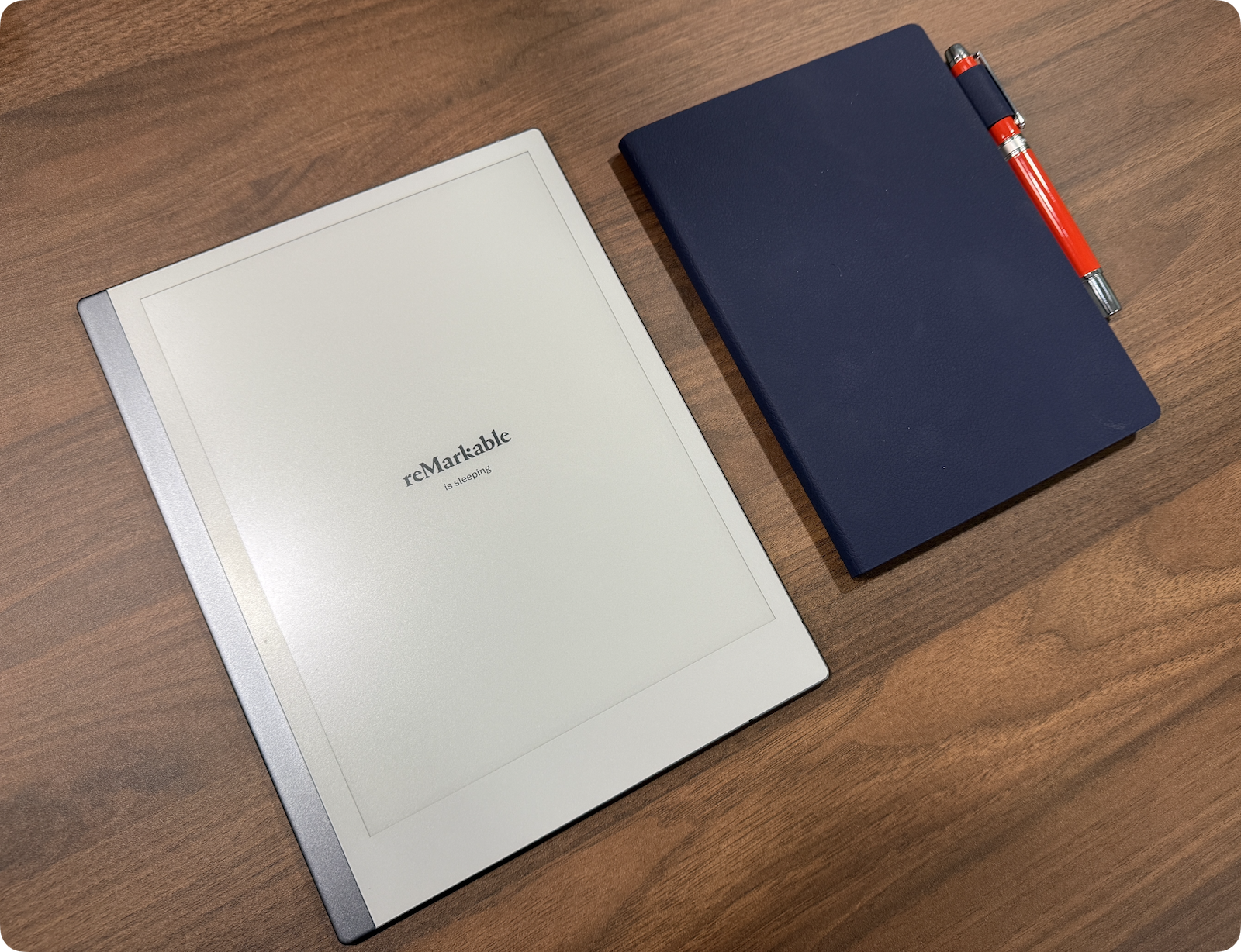
I went back and forth on whether to get the Nomad or the larger Manta, but I’m glad I went with the smaller Nomad. While some people will prefer the larger writing area on the Manta, the portability of the Nomad is amazing.
The Built-In Tools are Really Good
By default, there are a couple of tools built in that let you not only take notes in notebooks on your device but also read PDFs, view your calendar events, and even log your to-dos. I don’t use all of these (especially Mail, which sounds like an awful idea on the Supernote), but I do really like the PDF viewer on the Supernote. I have a couple of digital zines that I’ve bought, and reading them on the A5-size Nomad is a very pleasant experience.
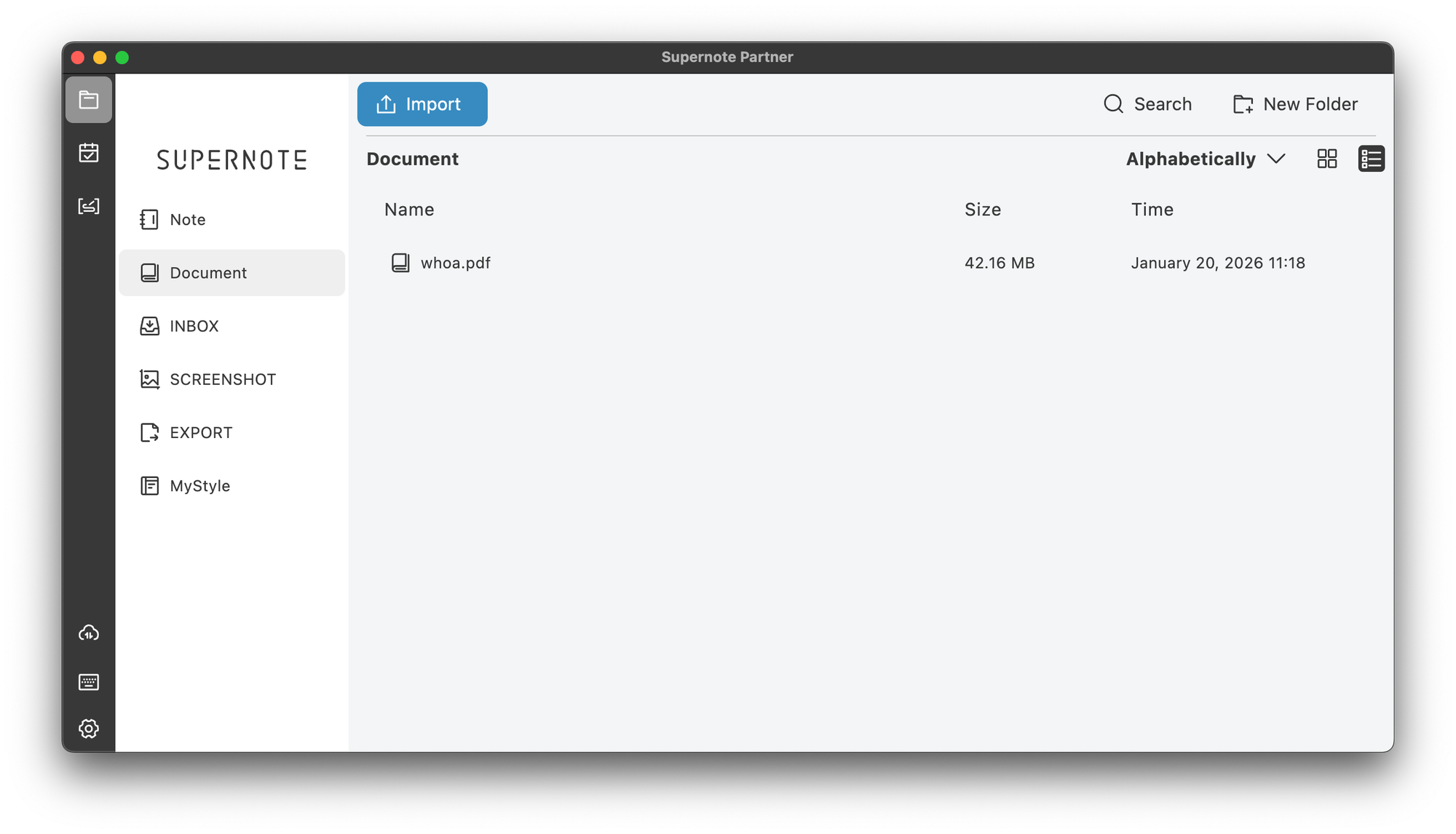
There’s also a companion app that you can use to send files to and from the Supernote that works really well. You can also integrate it with services like Dropbox and Google Drive, but moving files via the companion app is simple and fast.
You Can (Sort of) Put Apps on It
By default, Supernote has a couple of built-in apps that you can install (i.e., the Kindle app), but it’s not much. You can sideload apps, though it’s a bit convoluted, and I think that’s actually a good thing. There are quite a few tutorials on how to do it, but it’s not exactly simple. I found an Android Sideloader that made it easier, but I’ve only installed two apps this way: Obsidian (for referencing notes) and Instapaper.
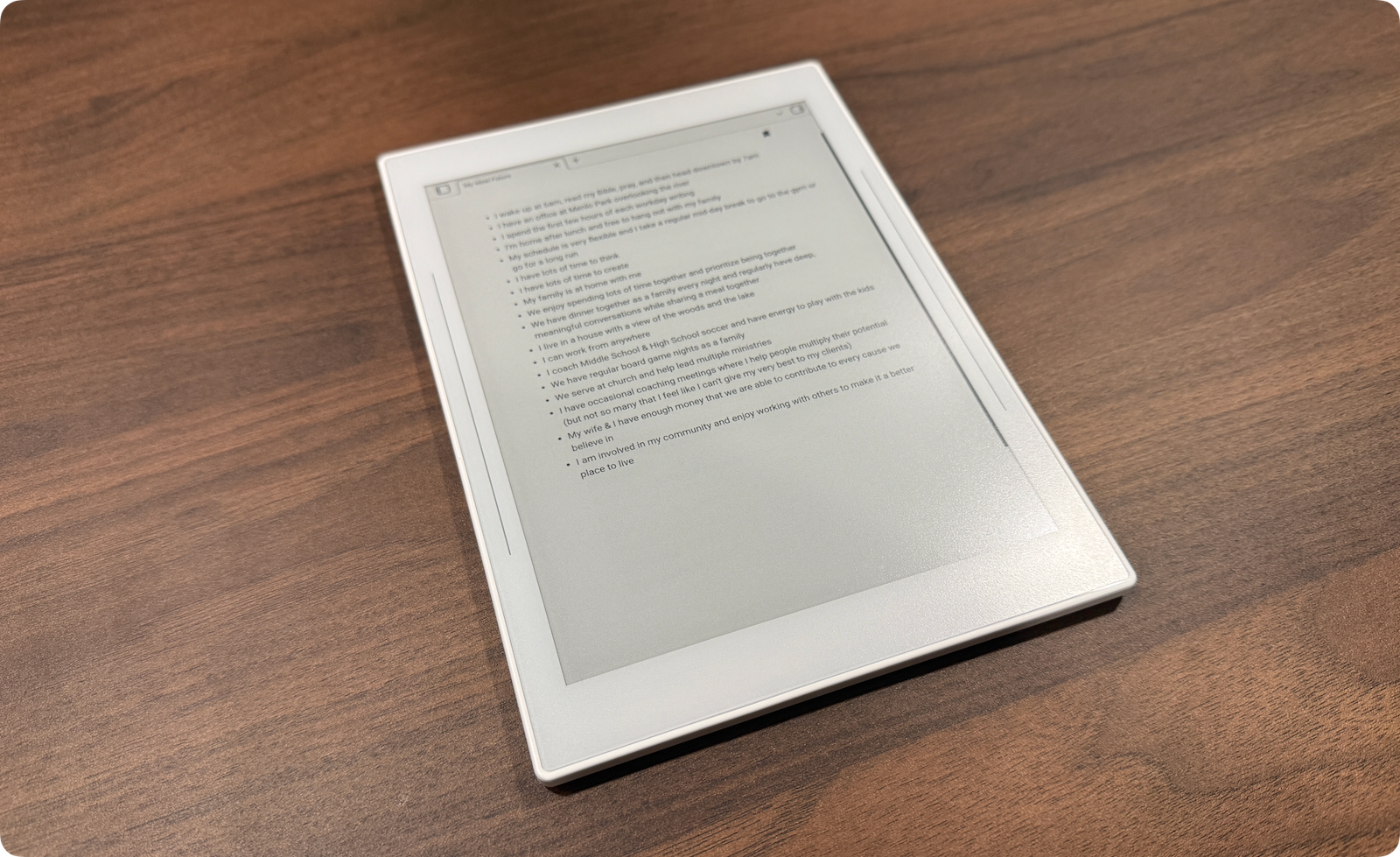
I tried to install Readwise Reader, but while others on Reddit said it worked, it didn't for me. So I decided to give Instapaper another look, and I’m actually really impressed with it. It’s much simpler than Readwise Reader, but that’s actually what I want. I can heart things in Instapaper to add them to Pinboard if I want to write about something, which I think is going to be a great read-later workflow for me.
It’s a Great E-Reader, if That’s Your Thing
I always read physical books, but I know a lot of people prefer reading on the Kindle. I’ve actually owned a few Kindle Paperwhites, so I was curious how the Nomad would compare as an e-reader.
Short version: it’s pretty good.
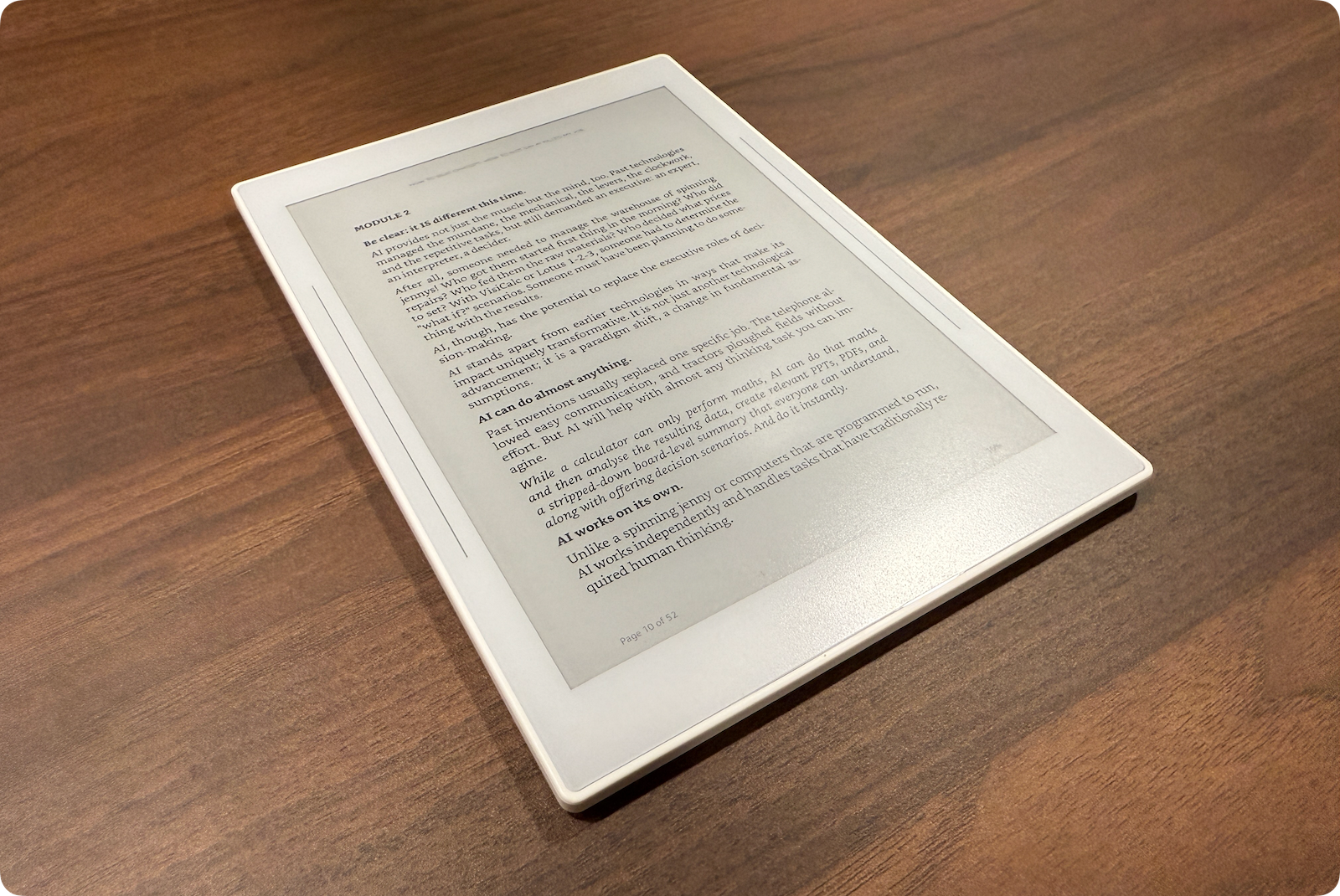
As mentioned above, there are only a couple of apps available in the Supernote App Store, but a dedicated Kindle app is one of them. The size of the Nomad is very similar to the Paperwhite, and provides an almost identical reading experience. In some ways, it’s even better because you can use the stylus to make highlights. The only thing you’re missing is a backlight for reading at night and dedicated page turn buttons.
Screen Sharing Works Really Well
Supernote has a feature where you can share the device screen via your web browser, which you can then share in an app like Zoom or Google Meet.
And it works really well.
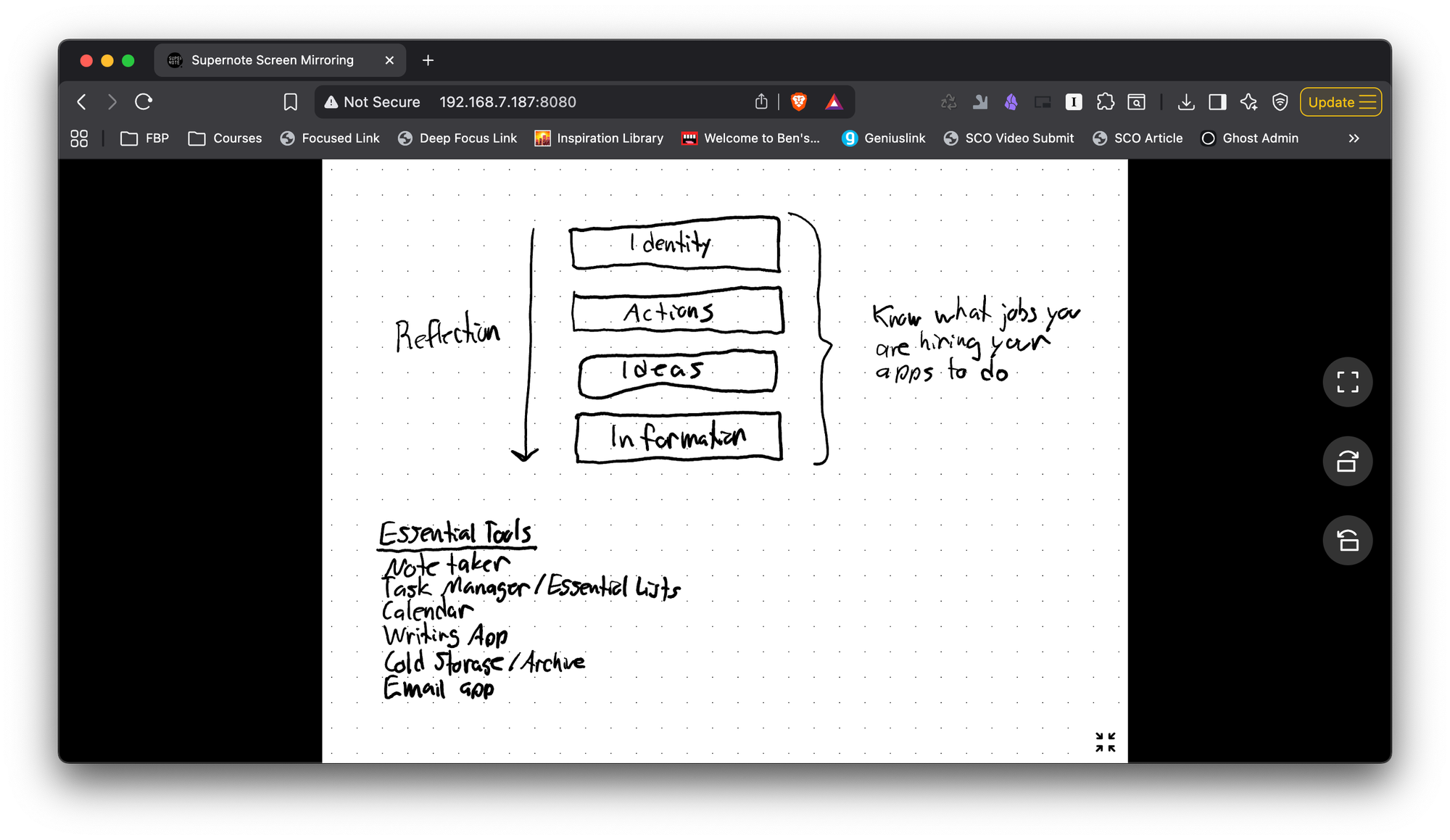
I was skeptical, but I'm finding this surprisingly useful. I’ve used it a couple of times now for sketching things out during Zoom calls, and there is absolutely zero lag.
Who is This For?
It’s hard for me to make a blanket recommendation for the Supernote Nomad, but I absolutely love it. It’s the perfect version of an e-ink notetaker for me, with enough flexibility to let me do everything I want on the device but still locked down enough to protect my focus.
That was always the thing I loved about the reMarkable. It didn’t do anything but take notes, so it was the perfect device to pick up and bring to a meeting. But the smaller size of the Supernote Nomad means I actually find myself reaching for this more often.
If you like the idea of the reMarkable but wish it had a little more flexibility, you’ll probably dig a Supernote. But if you want to load a bunch of apps on it, you’ll probably want a full-on Android tablet like a Boox device. The limitations of the Supernote are actually what make it great IMHO, which is why I think I’ll be using this device for a very, very long time.